



Paul's Media Server
Stream thousands of movies and TV shows for free
Massive Library
Access thousands of movies and TV shows from Paul's collection
Stream Anywhere
Watch on your phone, tablet, computer, or smart TV
High Quality
HD and 4K streaming with adaptive quality
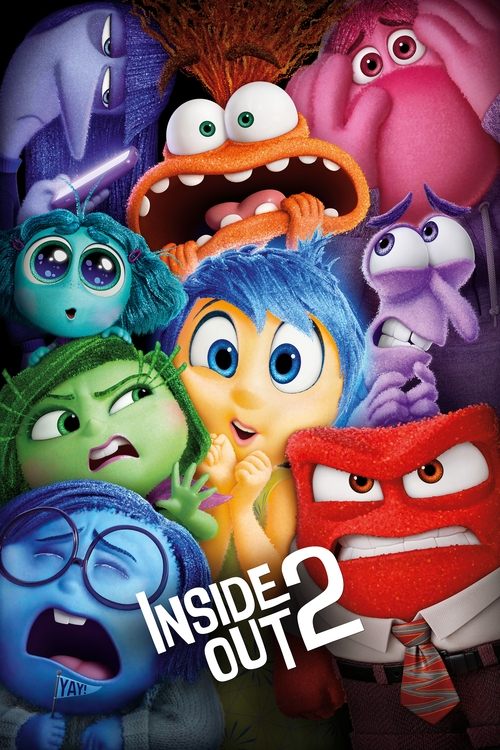
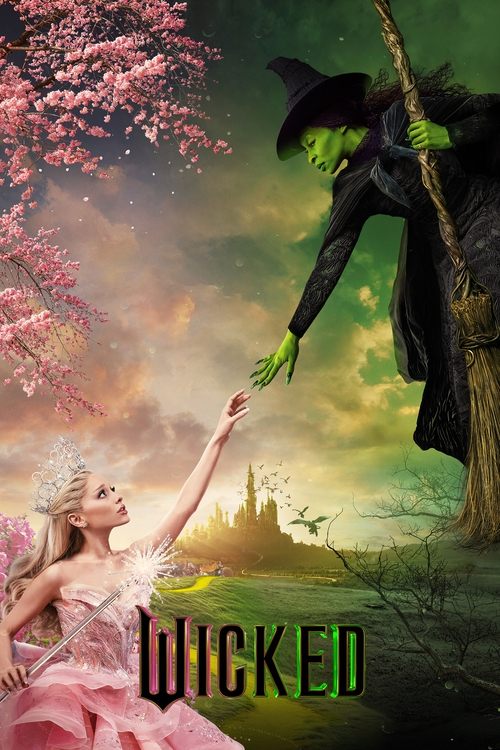
What is Plex?
Plex Overview
Plex is a media platform that organizes your personal video, music, and photo collections and streams them to all your devices. Think of it as your personal Netflix, but with content you or your friends own.
Plex Media Server
A Plex Media Server stores all the media files. Paul hosts this server with movies and TV shows. The server organizes everything, adds artwork and descriptions, and makes it ready to stream to anyone he shares it with.
How It Works
When you install the Plex app and accept Paul's invite, you connect to his media server. The server streams content directly to your device. Plex automatically adjusts video quality based on your connection speed.
Get Started with Plex
Follow these steps to start streaming
Step 2: Sign In & Connect
- Open the Plex app on your device
- Tap "Sign In" in the top right corner
- Create a new Plex account or sign in with Google
- Click the button below to add Paul as a friend
Click here to gain full access:
Please make sure you check your email about adding Paul as a friend. This is required for Paul to grant you access to his server and ensures maximum security.
Paul's Media Server
Stream thousands of movies and TV shows for free
Massive Library
Access thousands of movies and TV shows from Paul's collection
Stream Anywhere
Watch on your phone, tablet, computer, or smart TV
High Quality
HD and 4K streaming with adaptive quality
What is Plex?
Plex Overview
Plex is a media platform that organizes your personal video, music, and photo collections and streams them to all your devices. Think of it as your personal Netflix, but with content you or your friends own.
Plex Media Server
A Plex Media Server stores all the media files. Paul hosts this server with movies and TV shows. The server organizes everything, adds artwork and descriptions, and makes it ready to stream to anyone he shares it with.
How It Works
When you install the Plex app and accept Paul's invite, you connect to his media server. The server streams content directly to your device. Plex automatically adjusts video quality based on your connection speed.
Get Started with Plex
Follow these steps to start streaming
Step 2: Sign In & Connect
- Open the Plex app on your device
- Tap "Sign In" in the top right corner
- Create a new Plex account or sign in with Google
- Click the button below to add Paul as a friend
Click here to gain full access:
Please make sure you check your email about adding Paul as a friend. This is required for Paul to grant you access to his server and ensures maximum security.